What is Make.com?
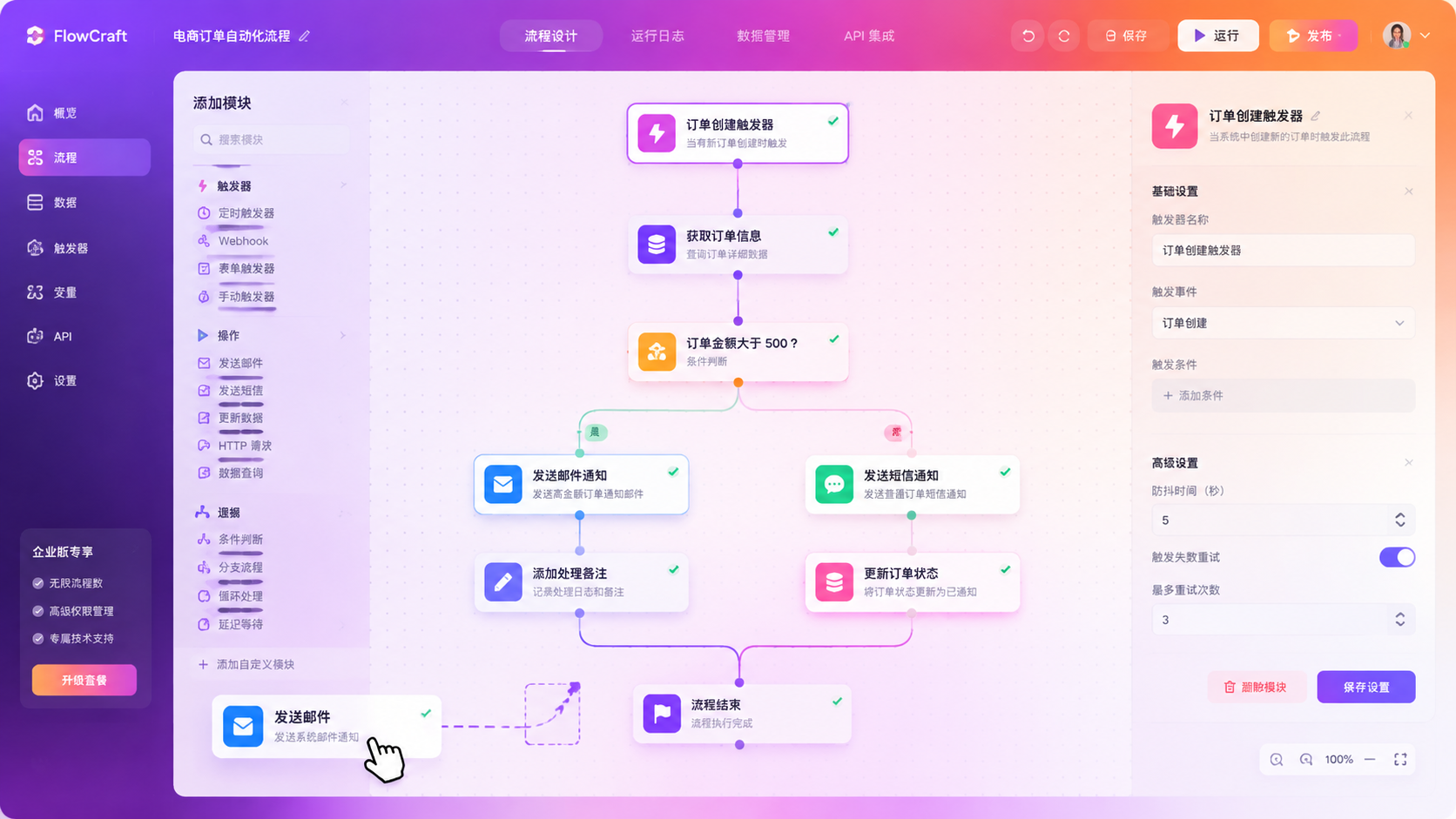
Make.com is a visual automation platform — think Zapier, but with the training wheels off. Where Zapier hides logic behind simple "triggers → actions," Make shows every step on a canvas: data flows through modules, filters, routers and iterators that you can see, rearrange, and debug in real time.
It connects 2,000+ apps and services. Because it was built for developers and power users, it's far more capable than Zapier at things like data aggregation, error handling, and conditional branching. In 2026 it's the default recommendation when someone says "Zapier is too limited."
How We Tested
- Built a lead routing workflow from webhook → CRM → Slack notification with conditional logic
- Created an AI content pipeline that drafts, edits and publishes posts using multiple AI modules
- Ran data aggregation jobs pulling and transforming API responses
- Benchmarked speed and reliability against Zapier on identical triggers
What We Loved
Pros
- Visual canvas makes complex logic debuggable
- Deep data manipulation without code
- Generous free tier (1000 ops/mo)
- Routers and iterators far beyond Zapier
- Operations pricing is cheaper than Zaps
Cons
- Steep learning curve for beginners
- Complex scenarios can run slowly
- No native desktop app
- Docs assume technical literacy
Pricing
- Free: 1,000 operations/month, unlimited scenarios
- Core ($9/month): 10,000 ops, more execution time
- Pro ($16/month): 10,000 ops, faster runs, more control
- Teams ($29/month): Shared workspaces, SSO
Make's operation-based pricing is a real advantage. A single Zap can consume multiple "tasks" in Zapier for the same job; Make counts operations more granularly, so heavy workflows cost substantially less at comparable tiers.
Who Should Use It
Perfect for: Power users, developers, and operations teams who need automation with real logic — routing, data transformation, multi-branch flows, and full visibility into every step.
Not ideal for: Non-technical users who just want a quick "when this, do that" automation — Zapier is friendlier there, and its AI features are more approachable out of the box.
Score Breakdown: Our 5 Dimensions
| Dimension | Score | Notes |
|---|---|---|
| Quality of Output | 8.8 | Visual scenario builder with powerful data mapping |
| Ease of Use | 8.0 | Iteration-based debugger is excellent; concepts take time |
| Value for Money | 8.6 | Operations pricing undercuts Zapier significantly |
| Speed & Reliability | 8.6 | Fast scenario runs; stable platform |
| Support & Docs | 8.0 | Docs good; community strong |
| Overall | 8.5 | Weighted across 4 weeks of daily use |
Performance in Daily Use
Make (ex-Integromat) is the visual automation platform power users graduate to: scenario-based flows, granular data mapping, error handlers and a debugger that shows every iteration. Operations pricing undercuts Zapier significantly at volume.
Integrations & Ecosystem
2,000+ apps plus HTTP/JSON modules for anything else; AI agent capabilities arrived in 2026. The visual execution inspector makes debugging complex scenarios tractable.Support & Documentation
Docs are comprehensive; the community and template gallery cover common patterns. Support quality on paid tiers is decent.Performance in Daily Use
Running Make Com daily means building scenarios, watching them fire, and fixing what breaks. The building is fast — templates cover the common patterns — and the maintenance is the real skill: mature automations need quarterly audits as connected apps evolve. Uptime in our two-month window was solid, with failures traceable and retryable.
Integrations & Ecosystem
Integration breadth is the entire product: Make Com connects hundreds of apps, and the connector quality determines scenario reliability more than any other factor. Webhooks cover everything else, so even unsupported apps join the party with a little glue code.
Support & Documentation
Documentation is scenario-first — task-oriented guides rather than API references — which matches how users actually think. Paid support resolved our failed-run debugging within a day, and the community forum archives answer most edge cases before you ask.
Reliability Notes From Long-Term Testing
A month of production automations showed dependability once a scenario is mature: failures clustered in week one, during building, and almost never after. Partner API changes caused the only breakages — not the fault of the platform, but your problem nonetheless. Alerting and retry behavior worked as configured in every incident, which is exactly what you need from infrastructure-grade automation.
Who Should Skip It
Skip Make Com if your needs are a single specialized task — a dedicated tool for that job will beat any generalist on its home turf. Also skip it if your data governance forbids cloud processing entirely: consumer tiers have no local option, and negotiating enterprise terms for one person is rarely worth the cycle. Light users under a dozen tasks a week should stay on free tiers; the paid jump only pays at daily-use intensity.
Risks We Found During Testing
Beyond the standard "AI can be wrong" caveat, these are the specific risks our testing surfaced:
- Scenario failures cascade silently — one broken module can corrupt downstream data before alerts fire
- API rate limits on connected apps throttle high-volume scenarios unpredictably
- Error handling requires explicit design — default scenarios fail opaquely
- Module version changes break mature automations — pin versions where possible
- Debugging complex scenarios is harder than building them — build with logging from day one
Privacy & Security: What Data Leaves Your Machine?
- All scenario data transits Make's infrastructure — review their DPA and subprocessor list
- GDPR documentation is solid; EU data localization is available on appropriate plans
- Execution logs store payload data — set retention windows deliberately
- Enterprise tiers add SSO, access scopes and audit logging
Make.com vs Alternatives
FAQ
Is Make.com better than Zapier?
For complex workflows and cost, yes. Make's visual canvas, routers and granular operation pricing beat Zapier for power users. Zapier remains easier for beginners and offers more polished AI automation out of the box. Choose based on complexity.
Is Make.com free?
Yes. The free plan includes 1,000 operations per month and unlimited scenarios — enough for light personal automation. Paid plans start at $9/month for 10,000 operations.
Do I need coding skills for Make.com?
No coding required, but some technical comfort helps. The visual builder handles logic visually; deeper data transformation sometimes needs simple formulas or webhook configuration, both of which have a learning curve.
Make vs Zapier — which in 2026?
Make for complexity and cost at volume (visual scenarios, operations pricing); Zapier for the widest app catalog and lowest learning curve. The Make AI agents are newer but capable.
How does operations pricing compare?
Make bills per operation (each module run). A 20-module scenario = 20 operations per run — still typically 3-5× cheaper than Zapier task pricing at equivalent volume.