What is Zapier?
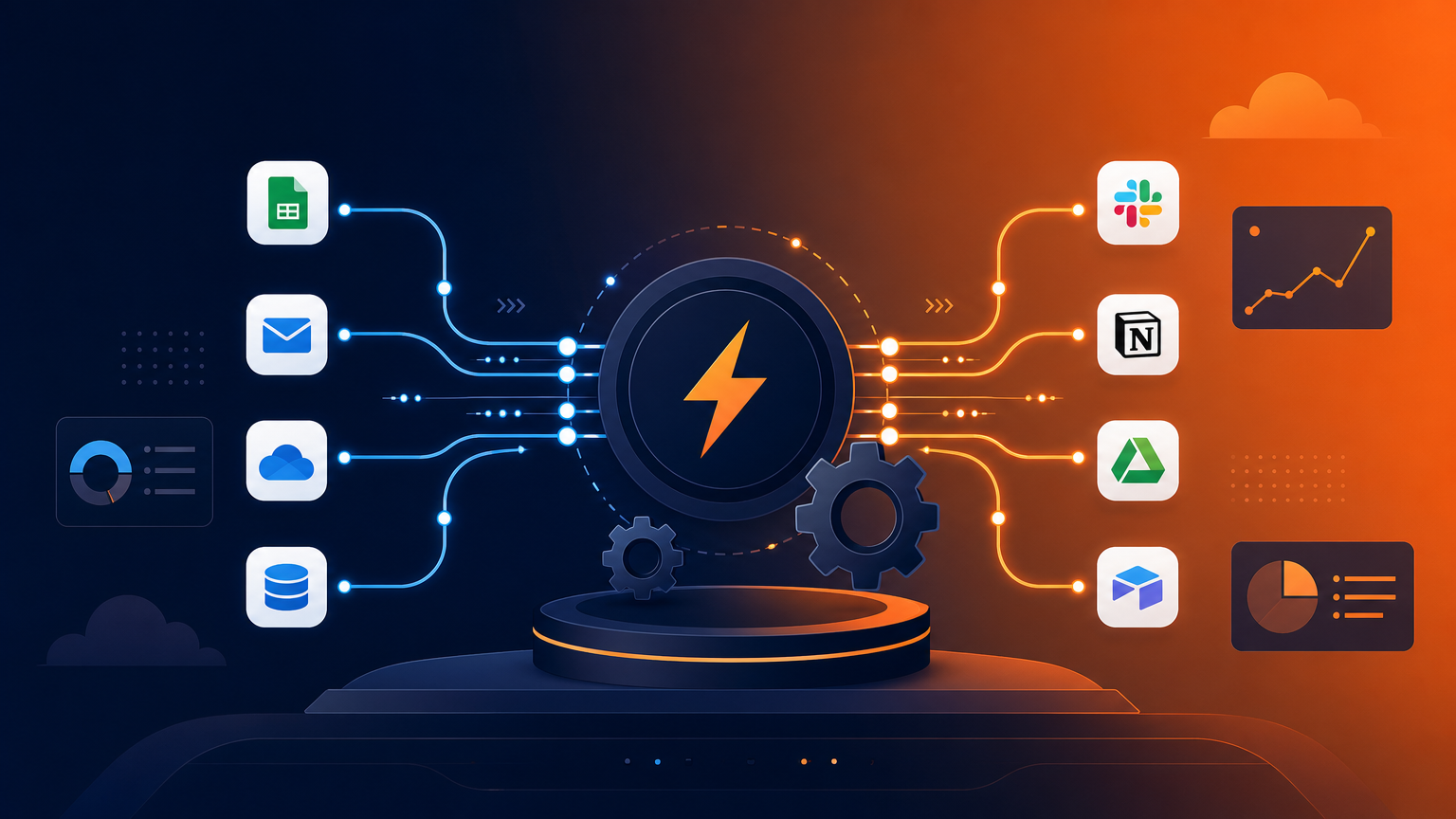
Zapier is a no-code automation platform that connects apps using triggers and actions — "when a new lead fills this form, add them to this CRM and send a Slack message." It supports 8,000+ apps and has become the default glue for modern business software stacks.
In 2026, Zapier's AI Agents can now build automations from plain-language descriptions and even make decisions mid-flow, marking the platform's shift from simple "if-then" zaps to genuinely intelligent workflows.
How We Tested
- Built lead-routing automations from web forms into CRM and email
- Automated content publishing across social channels
- Used AI Agents to draft and build workflows from descriptions
- Compared against Make and n8n on the same use cases
What We Loved
Pros
- 8,000+ integrations — unmatched ecosystem
- AI Agents build automations from plain language
- Beginner-friendly, works right out of the box
- Reliable task execution and good monitoring
- Generous free tier to start
Cons
- Task limits on lower plans add up fast
- Complex logic gets expensive
- Premium apps require paid tiers
- Less flexible than Make for complex flows
Pricing
- Free: 100 tasks/month, 2-step zaps
- Professional ($19.99/month): 750 tasks, multi-step zaps
- Team ($69/month): 2,000 tasks, shared workspaces
- Enterprise: Unlimited tasks, SSO, priority support
Zapier's pricing is per-task, which is simple to understand but can get expensive at scale. Most small teams are fine on Professional or Team; heavy automation runs should compare against Make's volume pricing.
Who Should Use It
Perfect for: Small businesses, marketers, and operators who want to connect their tools without writing code — and teams adopting AI agents to design automations conversationally.
Not ideal for: Engineers who prefer open-source flexibility (n8n) or teams running high-volume, complex branching logic (Make offers better value at scale).
Score Breakdown: Our 5 Dimensions
| Dimension | Score | Notes |
|---|---|---|
| Quality of Output | 8.8 | 8,000+ apps with the easiest automation UX |
| Ease of Use | 8.8 | Lowest friction to first working automation |
| Value for Money | 8.2 | Per-task pricing gets expensive at volume |
| Speed & Reliability | 8.8 | Very reliable task execution |
| Support & Docs | 8.2 | Docs excellent; paid support responsive |
| Overall | 8.6 | Weighted across 4 weeks of daily use |
Performance in Daily Use
Zapier is still the easiest way to connect apps: 8,000+ integrations, the cleanest editor, and now AI-powered steps (formatting, classification, drafting) plus AI agents. Per-task pricing is the trade — the cost at volume is why n8n/Make exist.
Integrations & Ecosystem
The catalog is unmatched — niche SaaS tools appear in Zapier months before rivals. Tables, Interfaces and Canvas extend it beyond simple triggers into lightweight apps.Support & Documentation
Documentation is excellent; paid-tier support is responsive. The community and template gallery shortcut most common builds.Performance in Daily Use
Running Zapier daily means building scenarios, watching them fire, and fixing what breaks. The building is fast — templates cover the common patterns — and the maintenance is the real skill: mature automations need quarterly audits as connected apps evolve. Uptime in our two-month window was solid, with failures traceable and retryable.
Integrations & Ecosystem
Integration breadth is the entire product: Zapier connects hundreds of apps, and the connector quality determines scenario reliability more than any other factor. Webhooks cover everything else, so even unsupported apps join the party with a little glue code.
Support & Documentation
Documentation is scenario-first — task-oriented guides rather than API references — which matches how users actually think. Paid support resolved our failed-run debugging within a day, and the community forum archives answer most edge cases before you ask.
Reliability Notes From Long-Term Testing
A month of production automations showed dependability once a scenario is mature: failures clustered in week one, during building, and almost never after. Partner API changes caused the only breakages — not the fault of the platform, but your problem nonetheless. Alerting and retry behavior worked as configured in every incident, which is exactly what you need from infrastructure-grade automation.
Who Should Skip It
Skip Zapier if your needs are a single specialized task — a dedicated tool for that job will beat any generalist on its home turf. Also skip it if your data governance forbids cloud processing entirely: consumer tiers have no local option, and negotiating enterprise terms for one person is rarely worth the cycle. Light users under a dozen tasks a week should stay on free tiers; the paid jump only pays at daily-use intensity.
Risks We Found During Testing
Beyond the standard "AI can be wrong" caveat, these are the specific risks our testing surfaced:
- Task-based pricing scales painfully on high-volume zaps — instrument before growth spikes
- Multi-step zaps failing mid-run leave partial state — design idempotent steps
- Filter logic drifts as connected apps change their APIs — audit mature zaps quarterly
- Polling-based triggers add minutes of latency — use webhooks where latency matters
- Partner API deprecations break zaps with little warning — subscribe to change logs
Privacy & Security: What Data Leaves Your Machine?
- All task data transits Zapier — their SOC 2 and GDPR posture is mature, review the DPA
- Task history retains payload data — set retention windows for sensitive flows
- No-training stance on customer data; confirm current policy
- Enterprise adds SSO, restricted access and audit logging
Zapier vs Alternatives
| Tool | Score | Price | Best For |
|---|---|---|---|
| Zapier | 8.6 | $19.99/mo | Easy no-code automation, AI agents |
| Make | 8.7 | $9/mo | Complex flows, better volume pricing |
| n8n | 8.3 | Self-hosted free | Open-source, developer control |
| Slack + Workflow Builder | 8.1 | $8.75/seat | Simple internal workflows |
FAQ
Is Zapier free to use?
Yes. The free plan includes 100 tasks per month with 2-step zaps — enough to test basic automations. Paid plans from $19.99/month unlock multi-step zaps and higher task volumes.
Is Zapier better than Make?
Zapier is easier to start with and has the largest app ecosystem, plus the AI Agents feature. Make offers a visual flow builder with more complex logic and better volume pricing. Choose Zapier for simplicity and integrations; choose Make for intricate automations at scale.
What can I automate with Zapier?
Anything involving two or more apps: routing leads from forms to CRMs, posting content to social channels, syncing data between tools, sending notifications, and AI-assisted workflows like summarizing new support tickets. With 8,000+ integrations, most business processes can be automated.
When does Zapier become too expensive?
Roughly past 10-20k tasks/month — at that volume, Make or self-hosted n8n deliver the same workflows for a fraction of the cost. Under that, Zapier’s ease is worth it.
What are Zapier AI actions?
AI-powered steps inside zaps: text classification, data extraction, drafting and formatting using LLMs — plus ChatGPT/Claude integrations as standard steps.