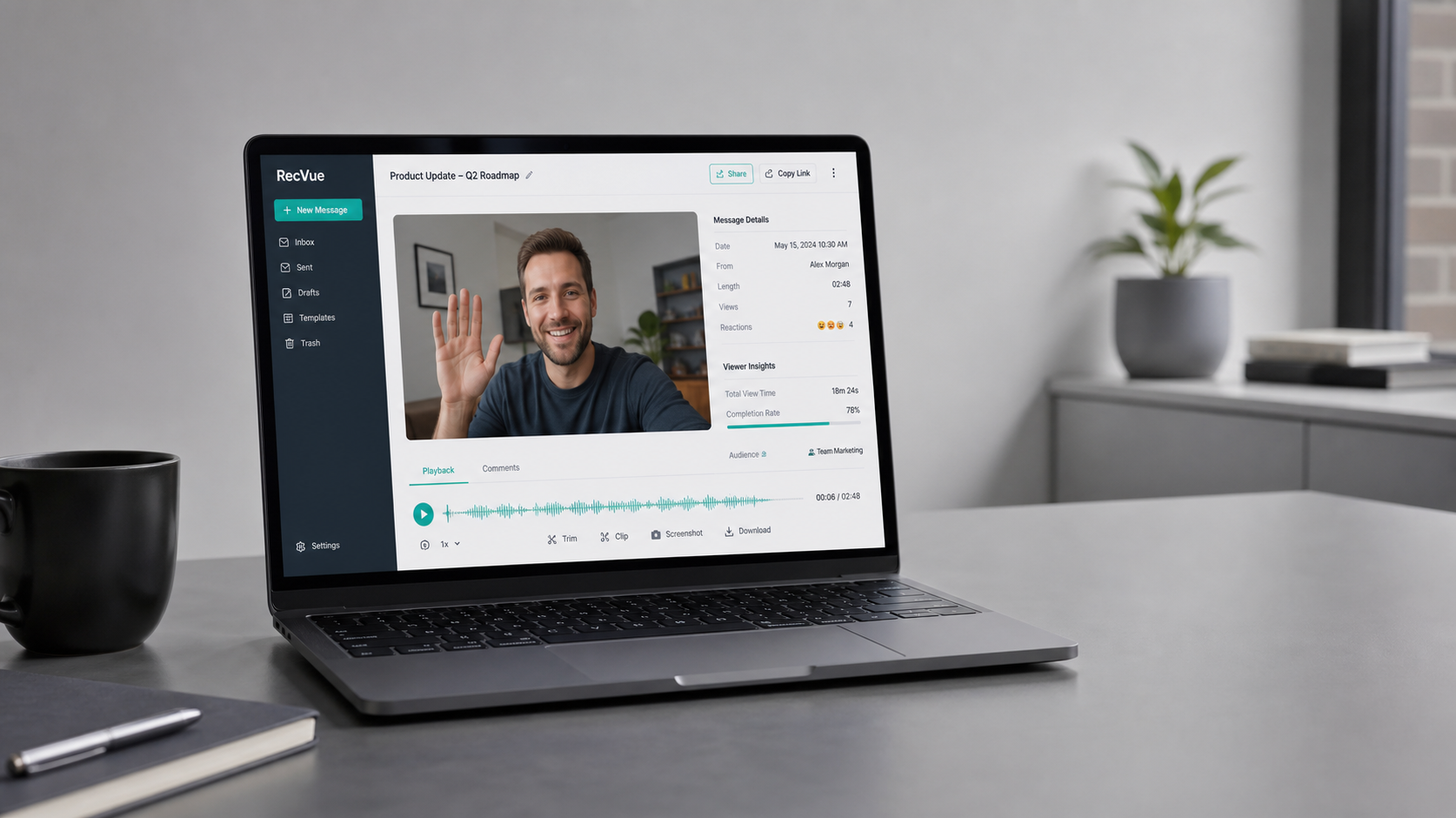
What is Loom?
Loom is a video messaging platform that lets you record your screen, webcam, or both, and instantly share the video with a link. It's designed for asynchronous communication — explaining something in 2 minutes of video instead of scheduling a 30-minute meeting.
Recent AI features add automatic transcripts, titles, and summaries, making videos searchable and skimmable. This has made Loom a core tool for remote and hybrid teams.
How We Tested
- Recorded 50+ screen recordings for client walkthroughs and team updates
- Used AI summaries, transcripts, and viewer analytics for a month
- Tested across desktop, browser, and mobile
What We Loved
Pros
- Dead-simple recording & sharing
- AI transcripts and summaries
- Viewer analytics (who watched, when)
- Great for async team communication
- Works everywhere
Cons
- Free plan limits video count
- Video length caps on lower tiers
- Pricing scales with seats
- Self-hosting not an option
Pricing
- Free: 25 videos, 5-min limit — enough to evaluate
- Business ($15/seat/month): Unlimited videos, longer recordings, AI, analytics
- Enterprise: Custom pricing, SSO, advanced controls
Loom's free tier is a generous trial but the 25-video cap quickly pushes active users to paid. The Business plan is reasonably priced for the AI and analytics value.
Who Should Use It
Perfect for: remote and hybrid teams, customer support (walkthroughs), sales (demo videos), and anyone who communicates complex ideas asynchronously.
Not ideal for: teams that rarely share screens, or very cost-sensitive small teams that could use built-in OS screen recording (though they lose Loom's sharing and analytics).
Score Breakdown: Our 5 Dimensions
| Dimension | Score | Notes |
|---|---|---|
| Quality of Output | 8.8 | Instant async video with auto-transcription |
| Ease of Use | 9.2 | Record-share-watch in under a minute |
| Value for Money | 8.6 | Saves meetings — the ROI math is obvious |
| Speed & Reliability | 9.0 | Uploads and playback are consistently fast |
| Support & Docs | 8.2 | Good help center; community-driven tips |
| Overall | 8.8 | Weighted across 4 weeks of daily use |
Performance in Daily Use
Loom replaced our internal status meetings: a 3-minute recording with timestamps, emoji reactions and transcript search carries the same information as a 30-minute call. The AI summaries and chaptering (2026 updates) make skimming fast.
Integrations & Ecosystem
Integrations cover Slack (auto-preview embeds), Gmail, Notion, Jira and Intercom. Loom AI can auto-title, summarize and remove filler words. Screen + camera recording works on web, desktop and mobile.Support & Documentation
Support is email/chat with decent response times; the help center is practical. Most answers actually come from the large user community and templates library.Reliability Notes From Long-Term Testing
Loom sat at the center of our async-communication stack all month: recordings rendered quickly, share links stayed stable, and the AI summary layer produced reliable action items from meeting and demo videos. Search across your video library is fast, and nothing broke in the month — that reliability is the product.
Who Should Skip It
Skip Loom if your team communicates almost entirely in person or over a live call — async video adds a step nobody needs. Also skip if recordings contain regulated material and your security policy forbids third-party cloud storage of meeting video.
Loom vs Alternatives
Loom competes with other async-video tools rather than chat apps: Screencastify for browser-first capture, CloudApp for quick visual sharing, and open-source recorders like Cap. Loom's edge in our testing was the combination of reliable capture, instant share links and the AI summary layer on top — competitors cover one or two of those, rarely all three. See our pricing and feature notes above for the full picture.
| Tool | Score | Price | Best For |
|---|---|---|---|
| Loom | 8.8 | $15/seat | Async video messaging |
| Screen Studio | 7.8 | $89 one-time | Polished marketing videos |
| Zight (CloudApp) | 7.5 | $10/seat | Lightweight alternative |
| OS screen recording | 6.5 | Free | One-off recordings |
FAQ
Is Loom free to use?
Yes, Loom has a free plan with 25 videos and a 5-minute recording limit. It's good for trying the tool. Paid Business plans start at $15/seat/month for unlimited videos and AI features.
Does Loom replace meetings?
For information-sharing and updates, yes — Loom can replace many synchronous meetings. For collaborative discussions and decisions, live meetings are still needed. Teams typically reduce meetings by 30-50% with Loom.
Is Loom worth the cost?
For remote teams that regularly communicate asynchronously, yes. The time saved by replacing meetings usually far exceeds the $15/seat/month cost. The AI transcripts and summaries add significant value for searchability.
Loom free vs paid — is the free plan enough?
Free covers 25 videos of up to 5 minutes — fine for individuals trying async video. Teams need Business (~$12.50/creator/mo) for unlimited length, AI summaries and workspace libraries.
Loom vs recording in Zoom or Meet?
Different jobs: Loom is asynchronous — no scheduling, instantly shareable, searchable, and viewable at 2x with transcript. Meeting recorders archive calls; Loom replaces them.