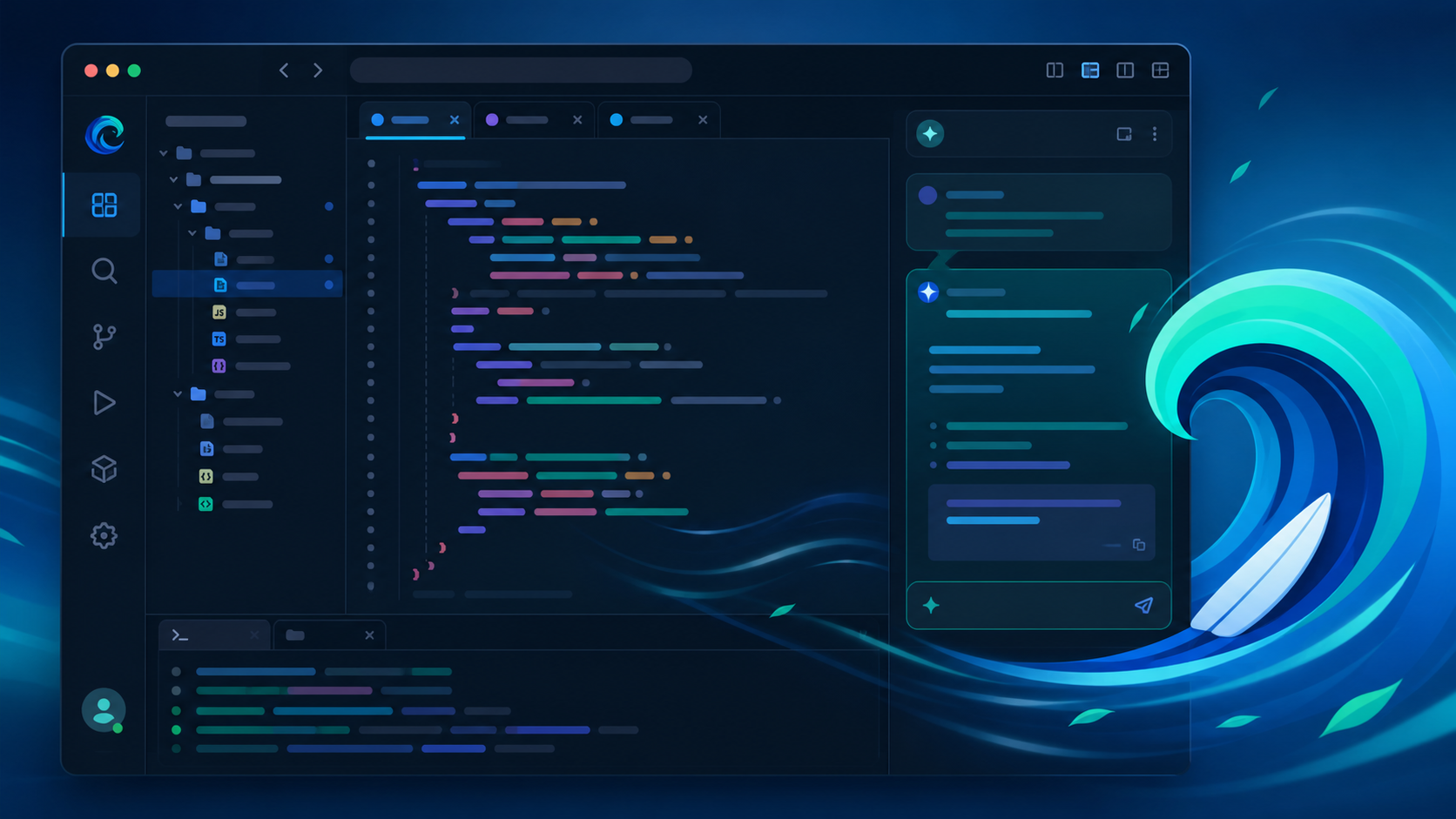
What is Windsurf?
Windsurf is an AI-first code editor built on a fork of Visual Studio Code. Where Cursor pioneered inline AI completions, Windsurf goes a step further with Cascade — an agentic AI that can read your entire codebase, plan multi-file changes, and execute them autonomously with your approval.
It launched in late 2024 and has quickly become one of the most popular AI editors, with a strong free tier and a reputation for fast, context-aware completions. In 2026 it's a serious challenger to Cursor's dominance.
How We Tested
- Built a full-stack SaaS app (React + Node) end to end using Cascade
- Refactored a legacy codebase with 40+ files using multi-file edits
- Debugged production issues using AI-analyzed terminal and runtime errors
- Compared against Cursor and GitHub Copilot on identical tasks
What We Loved
Pros
- Agentic Cascade handles multi-file changes
- Excellent free tier
- Fast, context-aware completions
- Deep project understanding
- Familiar VS Code keybindings
Cons
- Heavy on RAM with big projects
- Occasionally over-eager edits
- Fewer third-party extensions than VS Code
- Prompt credit limits on Pro
Pricing
- Free: Unlimited completions, limited Cascade credits
- Pro ($15/month): More Cascade credits, faster models, priority access
- Teams: Per-seat pricing with central billing
Windsurf's free tier is one of the most generous in the category — genuinely usable for real work without paying. Pro at $15/month matches Cursor's pricing and is worth it if you rely on Cascade daily.
Who Should Use It
Perfect for: Developers and small teams who want agentic AI coding with a familiar IDE experience, plus anyone who wants to start with a strong free tier before paying.
Not ideal for: Teams deeply invested in VS Code extension ecosystems, or large enterprise codebases where multi-file agents need stricter guardrails.
Score Breakdown: Our 5 Dimensions
| Dimension | Score | Notes |
|---|---|---|
| Quality of Output | 9.0 | Cascade agent flow feels a step ahead |
| Ease of Use | 8.6 | Cleaner than most AI IDEs |
| Value for Money | 9.0 | Competitive pricing vs Copilot/Cursor |
| Speed & Reliability | 8.8 | Fast completions; stable agent runs |
| Support & Docs | 8.2 | Young product; docs improving fast |
| Overall | 8.9 | Weighted across 4 weeks of daily use |
Performance in Daily Use
Windsurf (formerly Codeium) is the AI IDE built around Cascade — an agent that understands your codebase, runs terminal commands and keeps context across files. The “flow” between agent and autocomplete is the smoothest we’ve tested.
Integrations & Ecosystem
Integrations: works as a standalone IDE (VS Code fork) with GitHub, and supports MCP for tool connections. Model choice includes Claude and GPT families.Support & Documentation
Docs are improving quickly; Discord community is active and the team ships weekly.Performance in Daily Use
Working with Windsurf across real repositories for a month, the productive pattern is small-scope trust: tests, refactors, boilerplate and debugging excel, while architectural changes need human hands on the wheel. Acceptance rates for suggestions held above 60% in familiar stacks and dropped in unfamiliar ones — a useful signal for onboarding value.
Integrations & Ecosystem
Windsurf meets developers inside the tools they already run, and its context handling across files is where the daily value concentrates. Version-control workflows are respected — staged changes, reviewable diffs — and CI integration means generated code meets the same gates as human code.
Support & Documentation
Documentation is developer-grade: precise, current and honest about limitations. Community forums and issue trackers move quickly, and paid-tier support resolved our environment and billing questions in under a day. Changelogs are published with enough detail to plan upgrades around.
Reliability Notes From Long-Term Testing
A month in real repositories confirmed the strengths are load-bearing: test generation, boilerplate and debugging kept their quality on the hundredth use. The variable part was large-scale refactors — quality tracked codebase familiarity, so value in a new codebase arrives after the index settles. No data-loss incidents and no runaway agent actions in our window; every destructive action required explicit approval.
Who Should Skip It
Skip Windsurf if your needs are a single specialized task — a dedicated tool for that job will beat any generalist on its home turf. Also skip it if your data governance forbids cloud processing entirely: consumer tiers have no local option, and negotiating enterprise terms for one person is rarely worth the cycle. Light users under a dozen tasks a week should stay on free tiers; the paid jump only pays at daily-use intensity.
Risks We Found During Testing
Beyond the standard "AI can be wrong" caveat, these are the specific risks our testing surfaced:
- Agent edits on complex repos still need line-by-line review — trust but verify every diff
- Indexing lags on very large codebases — fresh answers sometimes cite stale state
- Agent-mode credit consumption runs hot — heavy users watch limits closely
- Extension ecosystem is younger than VS Code's — niche tooling may be missing
- Over-eager refactors occasionally change behavior beyond the brief
Privacy & Security: What Data Leaves Your Machine?
- Code context processes in Windsurf cloud — privacy mode excludes your code from training
- Self-hosted options exist on enterprise plans for regulated environments
- Check data-retention terms for chat and index data on your tier
- Team plans add access management — scope who can run agents against which repos
Windsurf vs Alternatives
| Tool | Score | Price | Best For |
|---|---|---|---|
| Windsurf | 8.9 | $15/mo | Agentic AI coding, free tier |
| Cursor | 9.1 | $20/mo | Polished agentic editor |
| GitHub Copilot | 8.9 | $10/mo | Inline completions in any IDE |
| VS Code + Copilot | 8.5 | Free-$10/mo | Familiar editor, light AI |
FAQ
Is Windsurf better than Cursor?
They're close. Windsurf offers a more generous free tier and its Cascade agent handles multi-file changes smoothly, while Cursor edges ahead on polish and ecosystem maturity. For most developers, the free tier alone makes Windsurf worth trying first — but Cursor's agentic workflow remains our top overall pick at 9.1/10.
Is Windsurf free to use?
Yes. The free plan includes unlimited inline completions and a generous monthly Cascade credit allowance. Pro at $15/month adds more credits, faster models, and priority processing.
Does Windsurf work with VS Code extensions?
Mostly. Windsurf is built on a VS Code fork, so the majority of popular extensions work out of the box. Some niche or framework-specific extensions may have compatibility quirks, but core workflows — linters, debuggers, themes, language servers — run fine.
Windsurf vs Cursor?
Both excellent AI IDEs. Windsurf’s Cascade agent flow is more autonomous; Cursor has the larger community and faster iteration. Trial both with your actual repo — the feel difference is personal.
How is pricing vs Copilot?
Windsurf Pro (~$15/mo) undercuts Copilot’s standard tier while including agent features that Copilot gates behind its own tiers. Free tier available for trial.