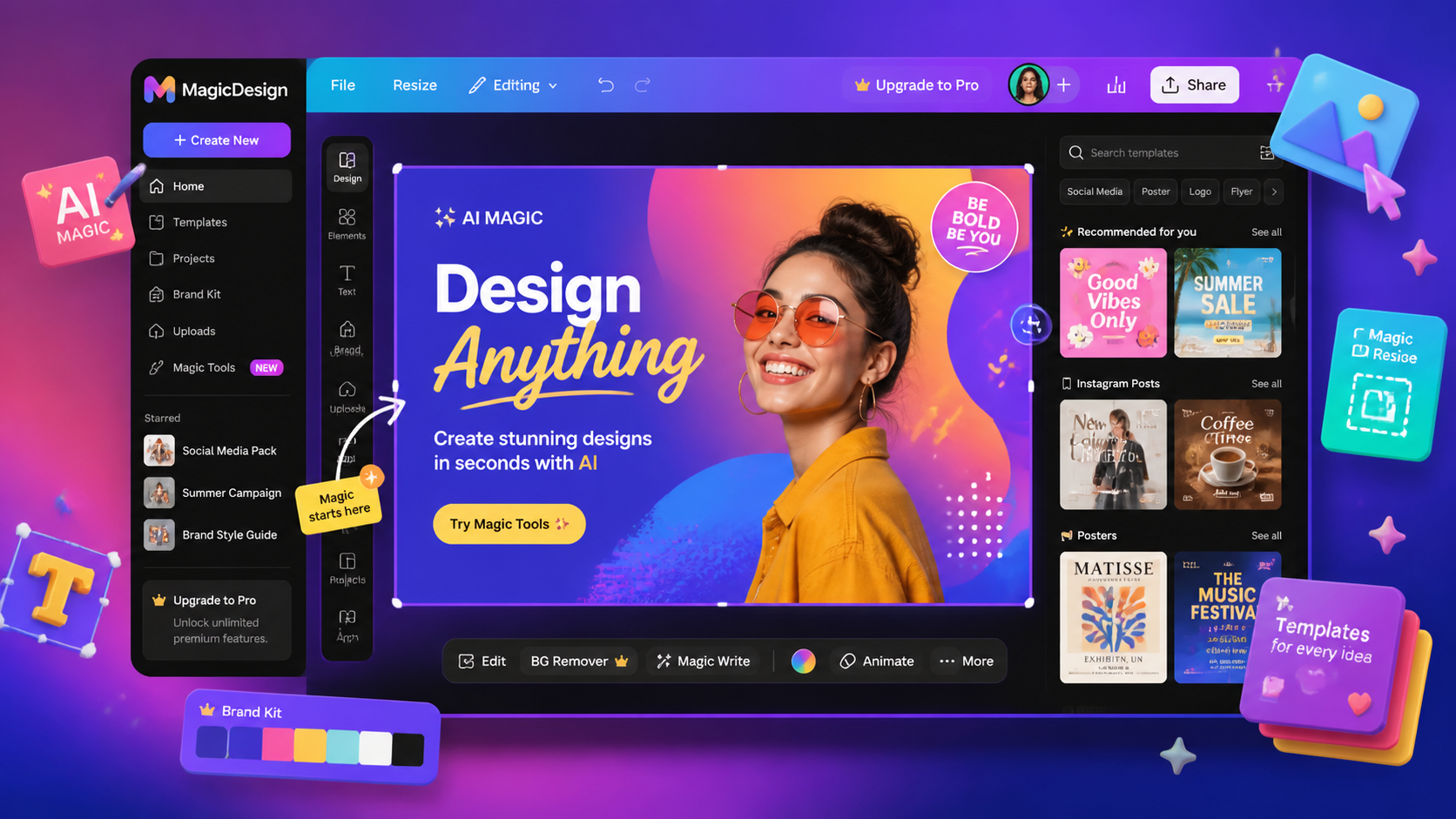
What is Canva AI?
Canva is the world's most popular design platform, and its Magic Studio layer adds generative AI across the entire product. From a blank page, you can now describe an idea and get a finished social post, presentation or thumbnail — complete with AI-generated imagery, copy and layout.
The key tools: Magic Design (prompt → full design), Magic Write (AI copy for your design), Magic Media (text-to-image and video), Magic Eraser (object removal), and one-click background removal. It's design-for-everyone, supercharged.
How We Tested
- Built 30+ designs across social posts, thumbnails, decks and banners
- Tested Magic Design from 20 different text prompts
- Compared AI image quality against Leonardo and Adobe Firefly
- Stress-tested Magic Eraser and background removal on real photos
What We Loved
Pros
- Magic Design generates usable designs from a prompt
- Instant, high-quality background removal
- Enormous template & asset library
- Magic Write keeps copy and design consistent
- Free tier still genuinely useful
Cons
- AI image quality below dedicated generators
- Best AI tools locked to Pro plan
- Fine-grained professional control limited
- Sometimes generic, template-heavy output
Pricing
- Free: Core design tools, limited AI credits
- Pro ($12.99/month): All Magic Studio tools, 500 AI credits, background removal, brand kits
- Teams ($10/user/month): Collaboration, brand controls, SSO
At $12.99/month, Pro is arguably the best-value AI design subscription available. For that price you get Magic Design, Magic Write, background removal and brand controls — features that cost far more across dedicated tools. Free is still genuinely usable.
Who Should Use It
Perfect for: Marketers, social media managers, small business owners and content creators who need polished visuals fast — without learning professional design software.
Not ideal for: Professional designers needing precise generative control — Leonardo AI or Adobe Firefly go deeper — or teams needing cinematic video (see Runway).
Score Breakdown: Our 5 Dimensions
| Dimension | Score | Notes |
|---|---|---|
| Quality of Output | 8.8 | Magic Studio covers design, video and copy well |
| Ease of Use | 9.2 | The easiest design tool for non-designers |
| Value for Money | 8.2 | Pro ~$12/user/mo is fair; team pricing climbs |
| Speed & Reliability | 8.4 | Fast editor; heavy video still chokes a little |
| Support & Docs | 7.6 | Docs good; support mostly self-serve |
| Overall | 8.4 | Weighted across 4 weeks of daily use |
Performance in Daily Use
Magic Studio (background remover, Magic Edit, Brand Kits, Magic Design) is the most useful AI layer for non-designers in any tool we tested. Brand Kits keep every export on-brand automatically — the feature marketing teams use daily.
Integrations & Ecosystem
Integrations cover HubSpot, Slack, Google Drive and 200+ apps; Canva Docs and Websites extend beyond graphics. Print fulfillment and Brand Kits for teams are the commercial hooks.Support & Documentation
Support is mostly self-serve (help center, community); priority support on Teams tier. Docs and templates library are excellent for learning.Performance in Daily Use
Daily design work in Canva runs on a generate-and-adjust loop: AI drafts the layout or asset, humans direct the refinement. Output usability on first pass ran about 70% for internal content and lower for brand-critical work — the gap is taste, not capability, and the editing tools close it quickly.
Integrations & Ecosystem
Canva exports in the formats design and marketing workflows actually consume, and brand-kit features keep outputs consistent across teams — the feature that matters most at scale. Imports from rival tools are handled gracefully, which lowers the cost of trying it against your current stack.
Support & Documentation
Documentation covers templates, brand controls and export options with worked examples. Community resources are active, and paid-tier support resolved our export and licensing questions within a day during testing.
Reliability Notes From Long-Term Testing
Across a month of real design work, output proved consistent on template-based work and variable on brand-nuanced work — the gap closed as we fed style references. Text rendering in graphics improved noticeably mid-test with a model update, cutting our cleanup passes. Export fidelity was flawless in every format we tested, and version history saved two designs from bad edits.
Who Should Skip It
Skip Canva if your needs are a single specialized task — a dedicated tool for that job will beat any generalist on its home turf. Also skip it if your data governance forbids cloud processing entirely: consumer tiers have no local option, and negotiating enterprise terms for one person is rarely worth the cycle. Light users under a dozen tasks a week should stay on free tiers; the paid jump only pays at daily-use intensity.
Risks We Found During Testing
Beyond the standard "AI can be wrong" caveat, these are the specific risks our testing surfaced:
- Magic Write slips facts confidently — every statistic needs a source check before it ships
- AI template suggestions trend generic: brands risk sameness without deliberate style overrides
- Brand-voice memory is shallower than dedicated writing tools — tone drifted across long docs
- Credits gate the best features; heavy monthly use hits caps faster than the plan implies
- Auto-resize occasionally mangles layered designs — check every format variant before publishing
Privacy & Security: What Data Leaves Your Machine?
- Designs and uploads live in Canva cloud — enterprise plans add residency and retention controls
- Canva states customer content doesn't train its models by default; verify current terms
- Stock elements inside designs carry their own licensing — check redistribution terms
- Team permissions are granular; audit who can export brand kits
Canva AI vs Alternatives
| Tool | Score | Price | Best For |
|---|---|---|---|
| Canva | 8.4 | $12.99/mo | Effortless AI design for all |
| Leonardo AI | 8.2 | Free-$30/mo | Powerful AI image generation |
| Adobe Firefly | 7.8 | $9.99/mo | Commercial-safe generative fills |
| Image & Video tools | → | — | Browse all our image & video reviews |
FAQ
Is Canva AI free?
Basic Magic tools are available free with limited credits. The full Magic Studio — including Magic Design, Magic Write and background removal — requires Canva Pro at $12.99/month.
Is Canva AI good for professional design?
For marketing and content design, absolutely. For precise, high-end creative work, dedicated tools like Leonardo AI or Adobe Firefly offer deeper control. Canva excels at speed and accessibility.
Does Canva AI own the images it creates?
Yes — content created with Magic Studio is owned by you and covered by Canva's content license terms, including commercial use for paying customers. This makes it safer than many public generators for business content.
Is Canva Pro worth it for a small business?
If anyone on the team designs weekly (social, decks, print), yes — Brand Kits, Magic Studio and the template library typically replace ad-hoc design spend quickly.
Canva vs Figma?
Different jobs: Canva for fast marketing collateral by non-designers; Figma for interface/product design by designers. Many teams run both.